Isolinear
A fast, keyboard-driven terminal UI for managing Databricks secrets — browse scopes, secrets, and permissions across three panes without ever leaving your terminal.
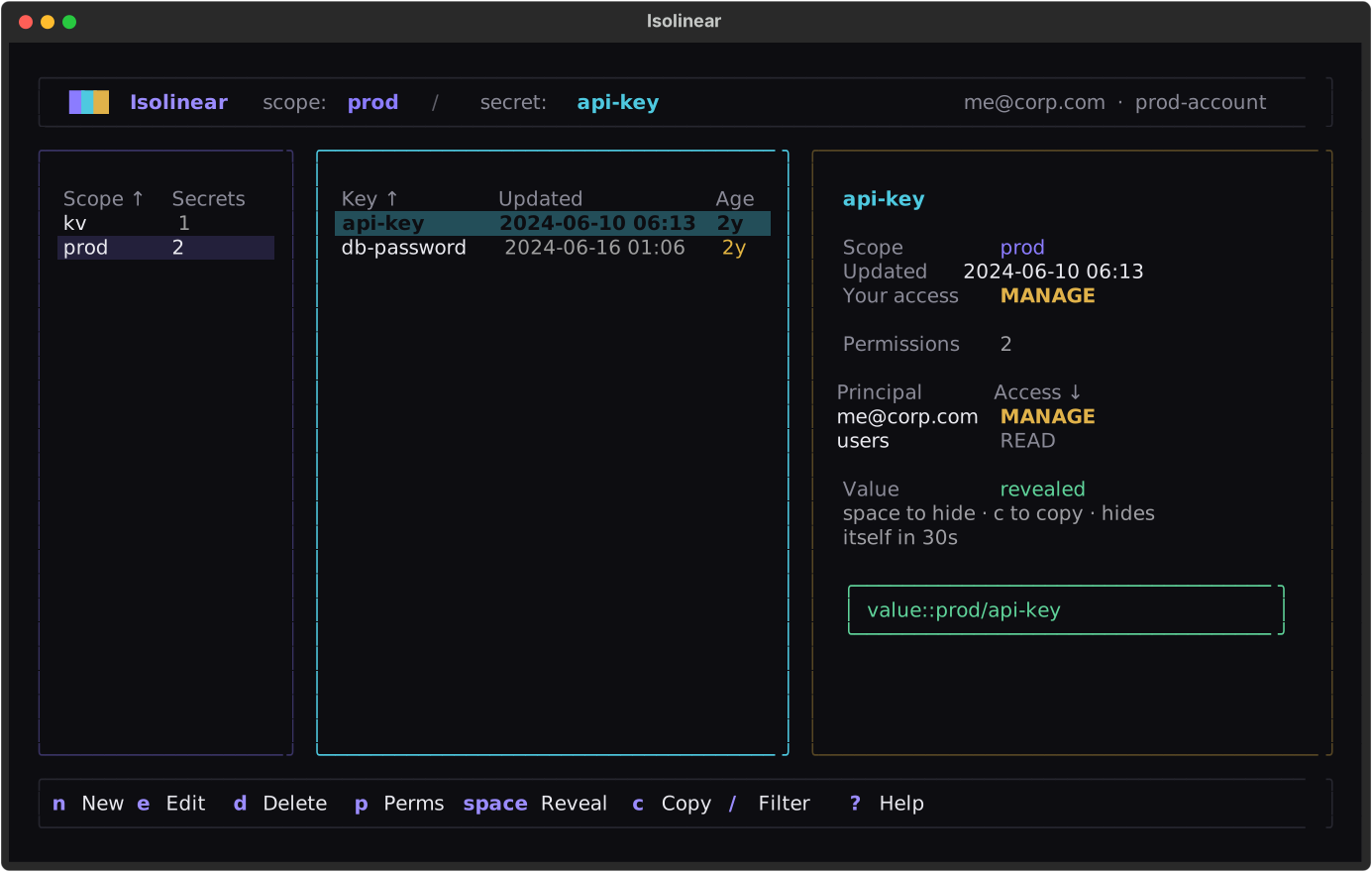
Isolinear puts the full lifecycle of Databricks secret scopes, secrets, and ACLs behind a calm, three-pane browser. Drill from scopes into their secrets, reveal and copy values on demand, and review your effective access — all driven by the keyboard.
Highlights
- Three-pane browser — scopes, secrets, and a rich detail pane (identity, your access, the full ACL list, and the revealed value).
- Global search — Ctrl+F fuzzy-matches
scope/keyacross the whole workspace and jumps straight to the secret. - Full CRUD with undo — create, edit, move/copy/rename, and delete secrets and scopes, with confirmation on destructive actions and U to restore.
- Bulk .env import/export — load a scope from a
.envfile; export keys (or values, clipboard-only) back out. - Permissions / ACLs — grant, change, or remove READ / WRITE / MANAGE, plus a who-has-access lookup for any principal.
- Lazy reveal, short-lived — values are fetched only when you reveal or copy them, never bulk-loaded, and a revealed value hides itself after 30 seconds.
- Copy as code — Shift+C copies a
dbutils.secrets.get(...), Spark-conf, or CLI reference for notebooks and job specs. - Authorization overview & stale-secret audit — one-key views of your effective permission on every scope, and of every secret overdue for rotation.
- Keyboard-first — vim and arrow navigation, fuzzy filtering, sortable tables, and a command palette; preferences persist across sessions.
- Direct connect & read-only mode —
isolinear prod --read-onlydrops you into a workspace with every mutation disabled. - No pre-configuration — connect by Databricks Asset Bundle,
~/.databrickscfgprofile, or workspace URL (OAuth).
Quick start
On launch, Isolinear opens a workspace picker that discovers connection targets automatically. Pick one, press Enter, and you're in.
Next steps
- Installation — install with uvx, uv tool, or pipx.
- Connecting — the workspace picker and its three sources.
- Browsing & managing — navigate, reveal, and manage secrets and permissions.