Connecting
On launch, Isolinear opens a workspace picker. It gathers connection targets from three sources and labels every row with its Source, so you always know where a target came from.
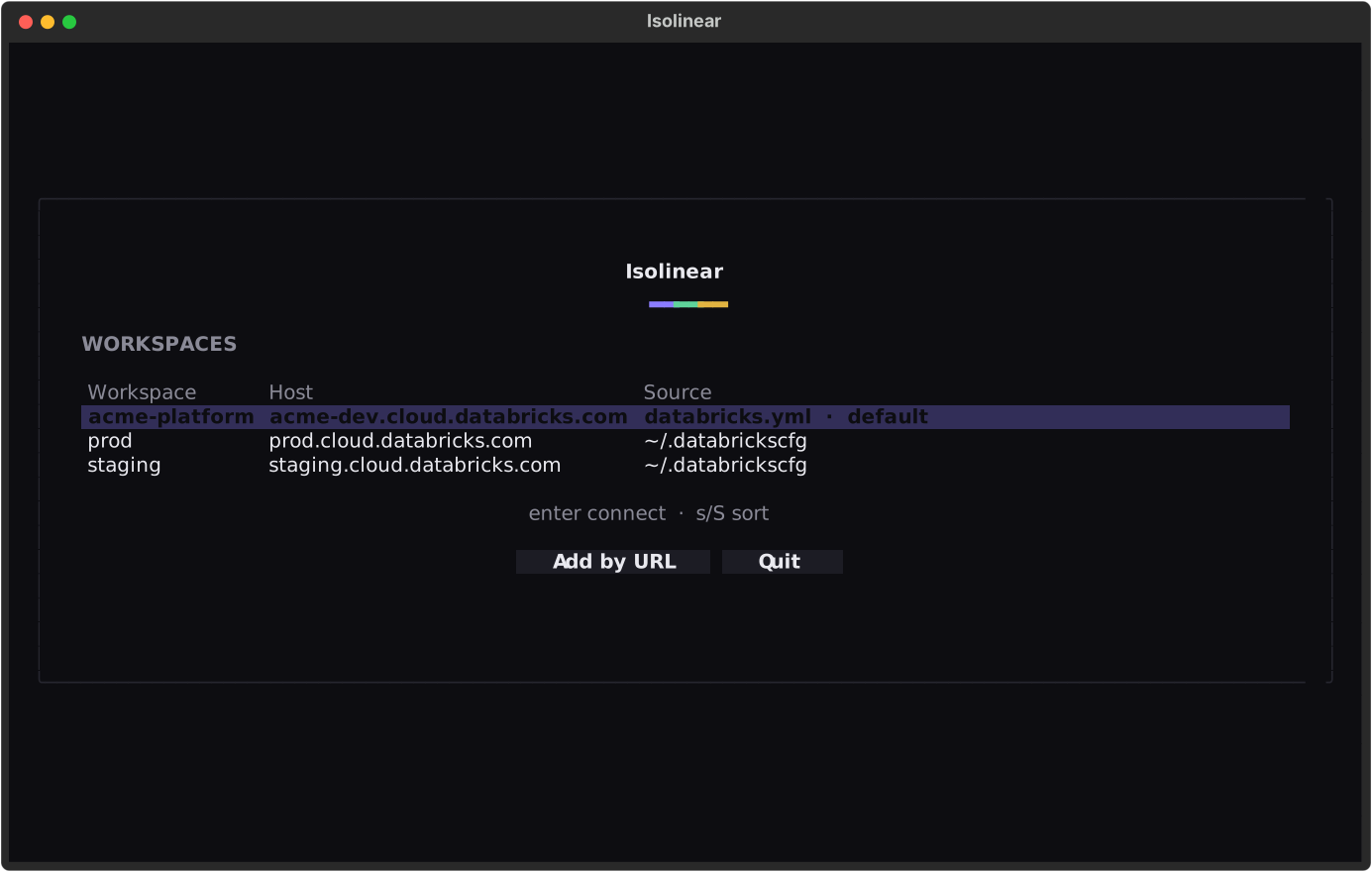
Pick a row and press Enter. Saved profiles connect instantly; a bundle target or a URL opens your browser to authenticate.
Skip the picker entirely
isolinear prod (or isolinear --profile prod) connects straight to a discovered workspace — a ~/.databrickscfg profile or bundle target — by name. Pairs well with --read-only for a quick, safe look at production.
Account-level discovery was removed
There is no cloud + Account ID step. You connect by profile, bundle, or URL — nothing else.
The three sources
1. Asset bundle
If a databricks.yml (a Databricks Asset Bundle) is present in the current directory, its target workspace is offered as the pre-selected default.
Isolinear resolves the host as follows:
- It picks the target flagged
default: true(or the only target, if there is just one). - It falls back to the top-level
workspace.host. - Unresolved
${...}variables are skipped, falling back to the top-level host.
A minimal bundle with dev and prod targets, where prod is the default:
bundle:
  name: my-project

targets:
  dev:
    workspace:
      host: https://dev.cloud.databricks.com

  prod:
    default: true
    workspace:
      host: https://prod.cloud.databricks.com
Running inside a bundle project just works
Launch isolinear from a directory that contains a databricks.yml and the right workspace is already selected — just press Enter.
2. ~/.databrickscfg profiles
Every saved profile in ~/.databrickscfg is listed automatically. Saved profiles connect instantly, because authentication is already configured.
3. Workspace URL
Choose Add by URL, enter a workspace host, and sign in through the browser (OAuth U2M / SSO) — exactly like databricks auth login. This stores the host and auth_type = external-browser; it never stores a token.
Optionally tick save as profile to persist the target in ~/.databrickscfg for next time.
What gets written
Saving a URL as a profile writes only the host and auth_type = external-browser. No secret and no token is ever written to your config.
When nothing is discovered
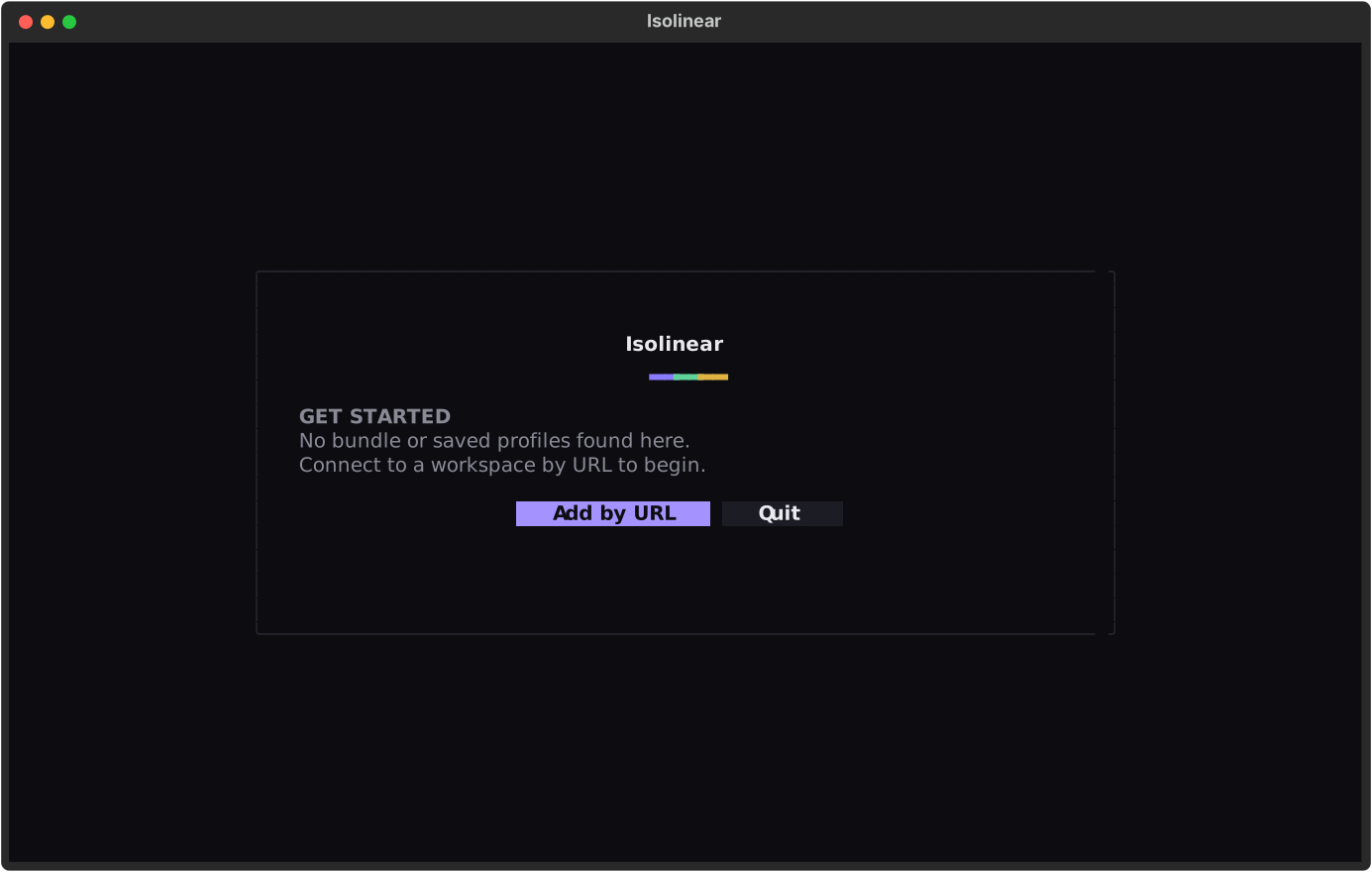
If there is no bundle in the current directory and no saved profiles, the picker still opens — empty — so you can add a workspace by URL.